
To register now “CLICK HERE” or go to https://forms.gle/mmcDwbWnSiHaKVS28
Overview
ASP.NET MVC by Microsoft is a powerful, patterns-based system to build dynamic webs applications . It enables a clean separation of concerns and that gives developers full control over markup for modern, agile development. ASP.NET MVC includes many features that enable fast, Test Driven Development for creating sophisticated applications that use the latest web standards.
Why choose ASP.NET MVC?
The MVC Architecture is the key strength of ASP.Net MCV. With Razor Pages and support for popular Frameworks like jQuery, Owin, Bootstrap and Web APIs out of the box it provides a complete solution for end-to-end web application development. Coupled with the powerful Visual Studio it enables rapid application development in the world of Web 2.0.
Majority of businesses today are opting for upgraded .NET framework — Model View Controller (MVC) to have a competitive edge over contenders belonging from the same category. The platform holds the promise to keep up the expectations of a developer with its extension available today.
About the Trainers

YOUSUF BIN AZHAR
Yousuf Bin Azhar is the CTO at Agilosoft with 15 years of experience in Software Development. He has a Master’s degree in Information and Media Sciences with specialization in application security and privacy. Over the past few years he has been working on projects involving Angular JS, MVC, jQuery, SignalR, SQL server for multinationals based in USA.
At GetProfessional, Yousuf conducts training courses as a faculty member and trainer.


Program Schedule for the Training
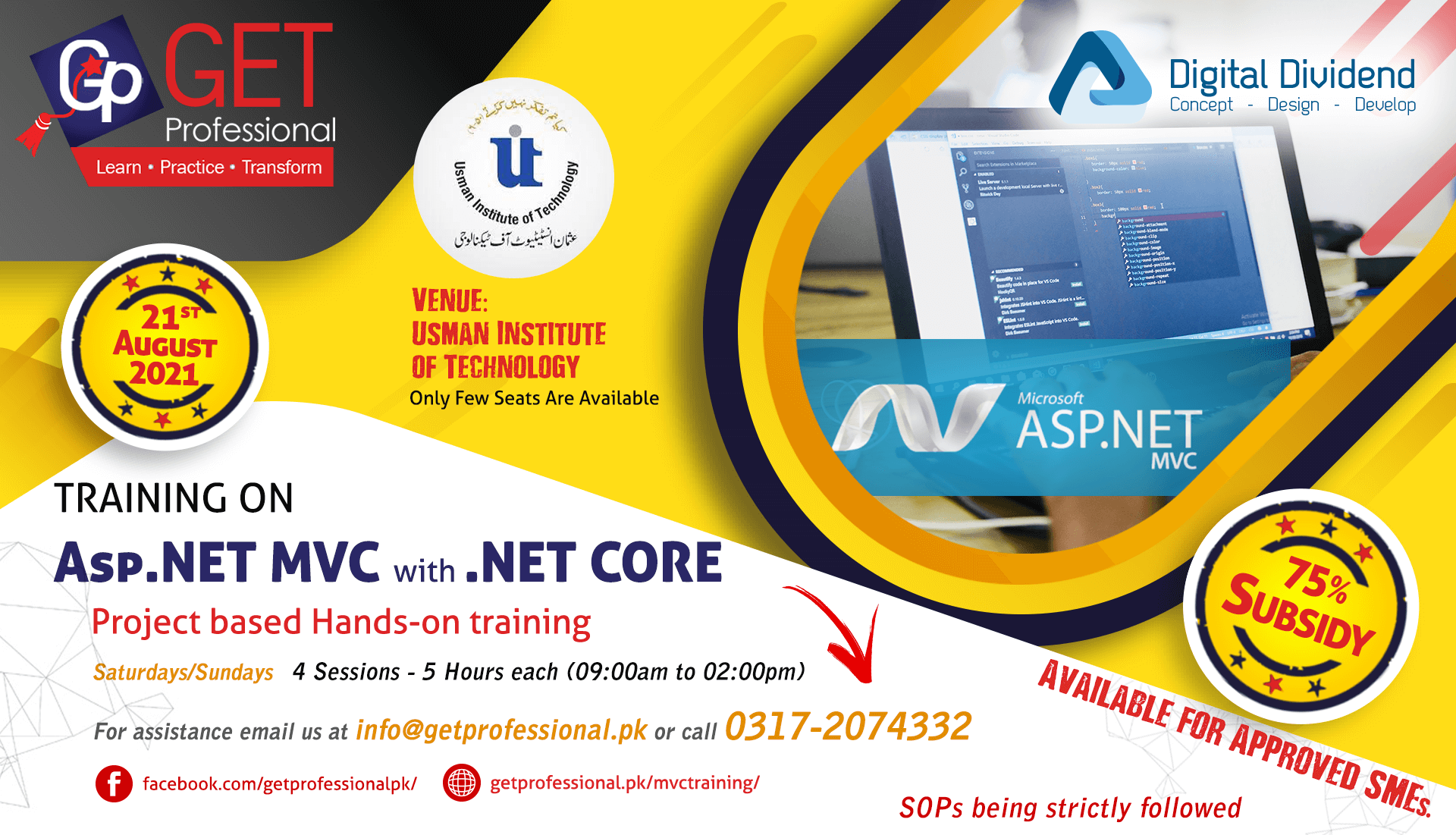
The training is of 20 hours in total spread over 02 weeks, and will start from Saturday, 31st-July 2021.
The sessions will be conducted on consecutive Saturdays/Sundays, every session being of 5 hours from 09:00 AM to 02:00 PM.
Register Now!
Registration and Payments?
Sign up for this training by filling out the form on this link. Once you have filled the form, our team will contact you in the next 24 hours to discuss details of the program.
Fees for the training is Rs. 20,000/- (there are no hidden charges and the fees is a one time payment)
75% Subsidy Available – (Subsidy is available on approved cases. Contact us to see if your company is eligible)
How do you pay fees?
For submit fees call us on 0317 207 4332 to discuss payment methods.
Certificate of Completion
GetProfessional will provide a certificate which will be a testament to your successful completion and fulfillment of the criteria of training.

COURSE OUTLINE
1 – Introduction to MVC; Routing
- Intro to MVC
- MVC and Web Forms and Core
- MVC Design Pattern
- ASP.NET MVC Platform
- What’s new in ASP.Net Core
- Models, Controllers and Views
- URL Routing
- Controller Actions
- Razor View Engine
- Razor Pages – intro
- Introduction to Routing
- Routing in Previous Versions of ASP.NET MVC
- Convention Based Routing
- Attribute Based Routing
2 – Controllers, Filters & Views
- Constraints
- Areas
- IController, ControllerBase And Controller
- HTTP Verbs (GET, POST Etc.)
- Action Selector and Filters
- Asynchronous Action Methods
- HttpContext And RouteData
- ActionResult
- Understanding Custom Action Filter
- Creating A Custom User Agent Action Filter
- Razor Views Introduction and Syntax
- Razor Pages
- ViewData And ViewBag
- Dynamic VS Strong Typed Views
- Client-Side Development (Gulp, Bower, Grunt)
- Blazor
- Intro to JavaScript Frameworks (Angular, React)
3 – Models and Helper Methods
- Adding Models to The MVC Application
- ORM – Entity Framework
- Dependency Injection Pattern (and built in support in Core)
- Partial Views
- ViewModel
- Helper Methods
- Strongly Typed Helpers
- Custom Typed Helpers
- SQL Server – Introduction
- RDBMS Recap
- Data Access – ADO.NET Vs Entity Framework
- Introduction to Project
4 – Authentication and Authorization
- Data Annotations
- Validation HTML Helpers
- ModelState
- IValidatableObject
- Client-Side Validation
- ASP.NET Identity
- Using Windows Authentication
- Building A Custom Account Controller
- Configuring Forms Authentication
- Using the Authorize Attribute
- Authentication Filters
5 – Web API
- Web API VS WCF
- Content Negotiation
- Routing
- Attribute Routing
- ApiController
- MediaTypeFormatters
- Cross Origin Resource Sharing (CORS)
6 – Security and Deployment
- Cross-Site Scripting (XSS)
- Cross-Site Request Forgery (CSRF)
- Over-Posting
- Server Requirements
- Configuration Options
- IIS Best Practices
- Deploy Core app on Linux